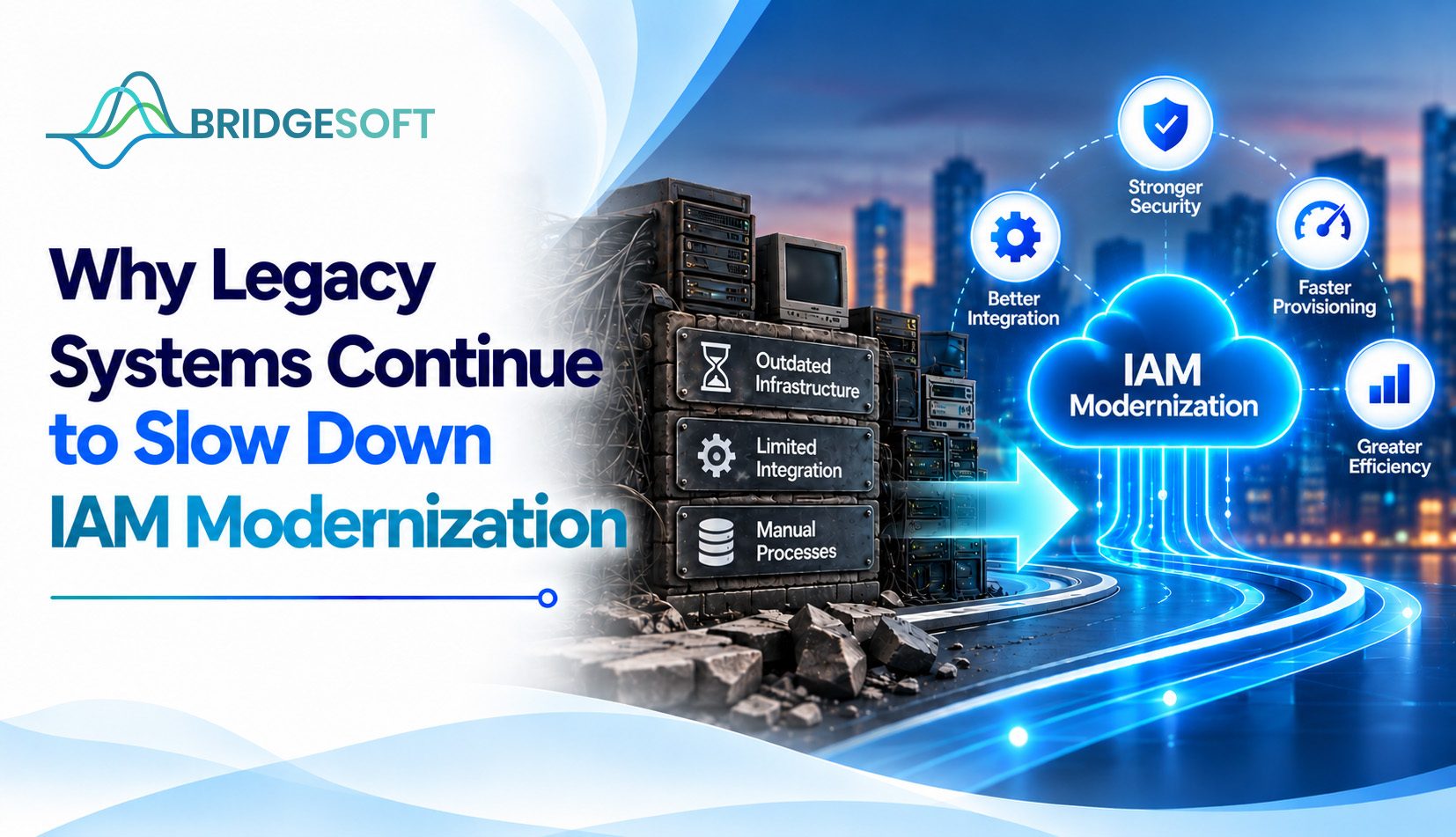
Before an audit, a CISO asks a simple question: who still has access to the old finance application? Because the system maintains its own user list, no one owns it anymore, and the individual who created its roles departed years ago. This is the everyday reality of IAM modernization in most large organizations, and it explains why identity projects so often stall after the easy wins.
This article explains why legacy systems remain a persistent obstacle, how they delay implementations and increase costs, and how enterprise leaders can make progress without replacing everything at once.
Legacy systems slow IAM modernization because they were built before modern identity standards existed. They often keep their own user stores, lack support for protocols like SAML, OpenID Connect (OIDC), or SCIM, and carry years of undocumented access decisions. Connecting them to a central Identity and Access Management platform means custom work on systems that few people fully understand.
For definitions: IAM is the set of policies and tools that decide who can access which resources. A standard for automating the creation and deletion of user accounts across applications is called SCIM (System for Cross-domain Identity Management). Modern platforms expect these standards. Older systems usually don't speak to them.
Five ways legacy systems hold IAM projects back
| Legacy constraint | Effect on the IAM program | Practical workaround |
| No standard protocols | Every integration becomes custom | Use a connector, API wrapper, or gateway in front of the app |
| Local accounts and shared credentials | Invisible identities outside central control | Discover and map accounts; vault shared credentials |
| Undocumented roles and entitlements | Access reviews turn into guesswork | Clean up existing access permissions before integrating the system with a centralized IAM platform. |
| Lost application knowledge | Slow, risky integration | Assign an owner; document before changing |
| Business-critical uptime | Teams avoid touching the system | Phase changes; test before cutover |
1. No standards-based integration. If an application can't accept single sign-on or automated provisioning, someone must build and maintain a connector. That effort is Predictable and practical for ten applications and painful for hundreds.
2. Accounts nobody can see. Local accounts, service accounts, and shared logins sit outside the identity platform. They survive after an employee leaves.
3. Access nobody can explain. Years of exceptions leave users holding entitlements no one can justify. Strong identity governance depends on understanding what access means before you can certify or remove it.
4. Missing ownership. Older applications often lack a clear business owner, so no one can approve changes or answer questions.
5. Fear of downtime. If the system runs payroll, claims, or flight operations, "don't touch it" becomes the unwritten policy.
Delay isn't neutral. When legacy applications stay outside the identity program, teams still handle joiners, movers, and leavers by hand. Bridgesoft has written on why manual user provisioning creates security and operational risks, including slow onboarding and access that lingers after role changes.
For CFOs and COOs, the cost rarely appears as a single line item. It shows up as audit preparation hours, duplicated tooling, and help desk tickets for access requests. For CISOs, it shows up as a gap in risk management coverage: the least-visible systems often hold sensitive data. This is an observation from common practice, not a measured figure, so quantify it against your own environment.
It also undercuts the idea that identity is the new security perimeter. A perimeter with unmanaged doors isn't much of a perimeter.
No. This is the most common misconception. Replacing a core application is expensive and slow, and you don't need to do that to bring it under identity control. You can often federate sign-in through a gateway, automate provisioning through an API or connector, and route remaining manual tasks through a governed ticket workflow.
Replacement does make sense when an application is end-of-life, unsupported by its vendor, or can't be secured any other way. In that case, retiring it is the cleaner IAM decision.
Hybrid environments need extra care. Organizations running on-premises and SaaS applications side by side often pair this work with cloud services planning or lean on managed IT services when internal teams lack bandwidth.
Wrapping legacy applications works when the system is stable, supported, and exposes some interface, even an old one. It works poorly when the application has no usable interface and no vendor support. Regulated sectors such as banking and financial services, healthcare, and government have the most legacy exposure and the least tolerance for access gaps, so they usually need stricter sequencing and audit evidence at each phase.

Bridgesoft helps organizations improve identity visibility, strengthen Identity Governance, streamline Identity Access Management, and modernize identity processes across complex enterprise environments.
Book a Free DemoLegacy systems slow IAM modernization because they lack standards, hide accounts, and carry access nobody can explain. The fix isn't ripping everything out. It is knowing what you have, choosing the right integration approach per application, and cleaning up access before moving it. If you want a second opinion on where to begin, Book a Free Demo with Bridgesoft or read the complimentary Gartner Market Guide for Identity Governance and Administration on its site.
Legacy systems often lack modern identity standards, keep local user stores, and have undocumented access. Each one needs custom integration and careful testing.
Usually yes. Connectors, API wrappers, and gateways are common methods. Applications with no interface or vendor support may need to be retired instead.
Not generally. Replace vulnerable or unsupported systems. Otherwise, bring them under identity control first and replace them on their own schedule.
Unmanaged access. Orphaned accounts, shared credentials, and excess entitlements go unnoticed and unreviewed, complicating audits and increasing breach exposure.
With an application inventory ranked by risk and user volume. It shows which systems to integrate first and which to retire.
It depends on application count, integration complexity, and how clean existing access data is. Phased programs usually show results on priority applications well before the full estate is covered.