A new hire starts on Monday. By Wednesday, she still can't open the finance system. The IT staff uses a spreadsheet to determine who approves what, and her manager has resubmitted the access request twice. Multiply that by every hire, transfer, and contractor in a 10,000-person company, and you have the quiet cost of manual identity and access management (IAM): slow onboarding, over-provisioned accounts nobody revisits, and audit preparation that eats weeks.
Low-code automation is changing how enterprises handle this. This article explains what it means for IAM, where it delivers value, where it doesn't, and how to adopt it without creating a new set of risks.
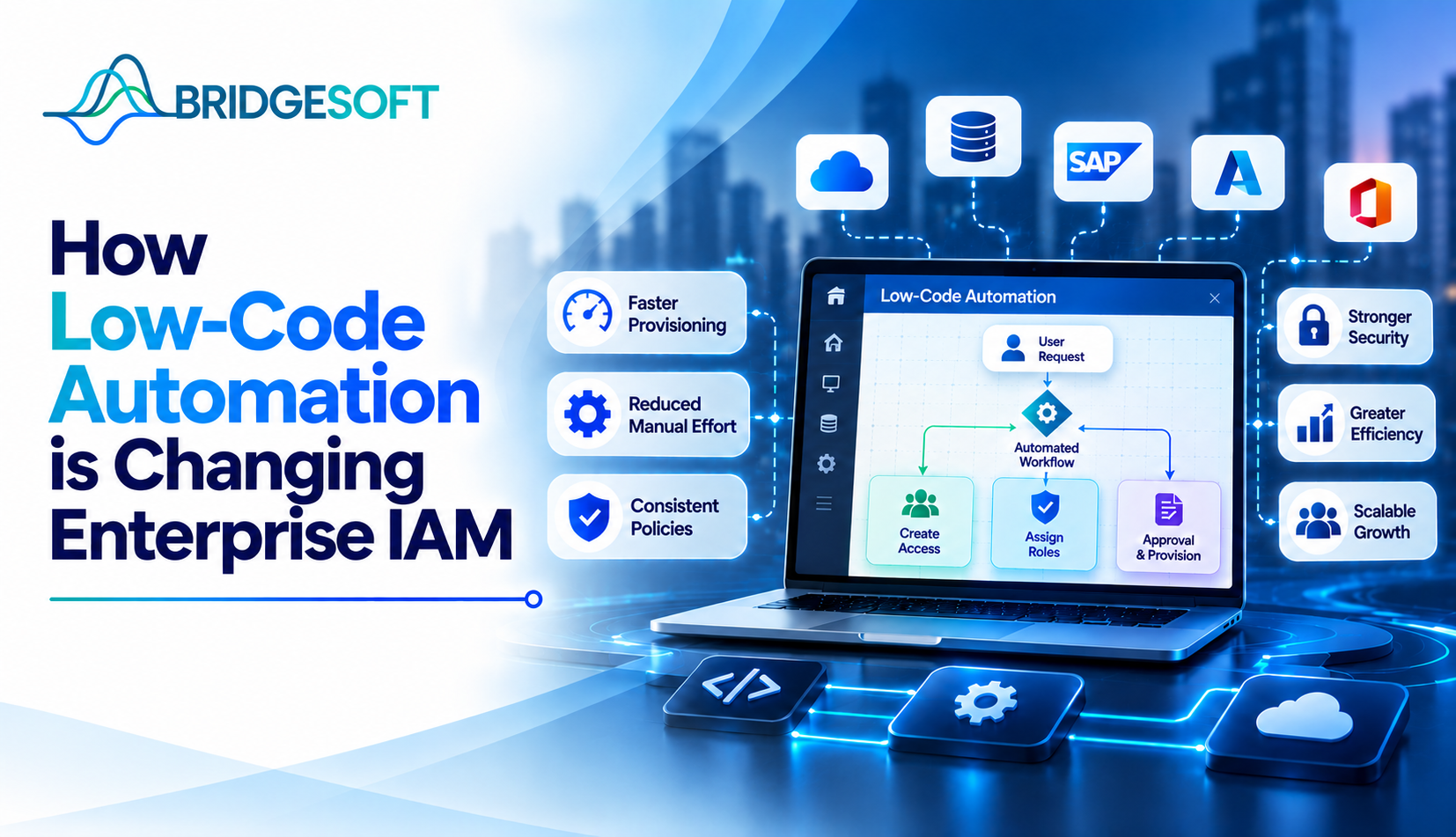
Low-code IAM automation means building identity workflows, such as access approvals, account provisioning, and access reviews, with visual designers and prebuilt connectors instead of custom scripts. Instead of a developer writing and maintaining code for every integration, an identity engineer assembles logic: when HR marks someone as terminated, disable the directory account, revoke application access, and notify the manager.
Most major identity platforms now include this capability. Okta offers Okta Workflows, SailPoint has workflow tooling within its identity governance products, and Microsoft Entra ID integrates with Power Automate and its own lifecycle workflows. ServiceNow's Flow Designer is often used for requests and ticketing.
It is not "no-code," and the difference is important. Complex entitlement models, unusual legacy systems, and edge-case logic still need engineering judgment.
Joiner-mover-leaver (JML) lifecycle. This is the clearest win. Joiners get baseline access based on role and department. Movers have old access removed as new access is granted, which is where "access creep" usually starts. Leavers are cut off the moment HR data changes, not when someone remembers.
Access requests and approvals. Routing requests to the right approver, escalating when they don't respond, and adding a second approval for sensitive entitlements are all rule-driven, making them good candidates for visual workflows.
Access reviews (certifications). Periodic reviews are required by frameworks such as SOX and HIPAA, and by the access control families in NIST SP 800-53. Automation can assemble review packets, remind reviewers, and automatically remove access when a reviewer revokes it, closing the gap between decision and action.
Connecting identity to HR and ITSM. Low-code connectors let IAM react to events in Workday, ServiceNow, or similar systems without a custom integration project each time.
| Factor | Custom scripts / hand-built integrations | Low-code workflows |
| Speed to build | Weeks to months | Days to weeks for standard patterns |
| Who can maintain it | Specialist developers | Trained identity engineers and analysts |
| Transparency for auditors | Requires reading code | Visual logic is easier to walk through |
| Flexibility for edge cases | High | Moderate; may hit platform limits |
| Risk of sprawl | Lower, due to higher effort | Higher, since building is easy |
Most teams underestimate the last row.
A realistic scenario: contractor offboarding
Consider a hypothetical manufacturer that uses hundreds of contractors across plants. Contract expiration dates are stored in a procurement system, however removing an account requires sending an email to IT. VPN and application access are frequently retained by contractors for weeks after their expiration date.
A low-code workflow can read the contract end date, notify the sponsoring manager 14 days ahead, offer a one-click extension that requires approval, and deactivate accounts automatically on the end date. No new platform is needed, only a reliable data source and a clear owner. (This is an illustrative example, not a customer result.)
Why executives should care
For CISOs, the benefit is fewer orphaned accounts and faster revocation, both tied to common breach paths involving stolen or misused credentials. For CFOs and COOs, the case is operational: less help-desk volume, faster time-to-productivity for new staff, and shorter audit cycles. It means that CIOs and CTOs won't be as dependent on limited developers.
Avoid promising specific ROI before you've measured a baseline. Track time to provision, access-related ticket volume, hours spent on each certification cycle, and the number of accounts active after termination.
When it works well: repeatable, rule-based processes with reliable data. When it doesn't: processes that depend on ambiguous judgment or poor-quality source systems.

Bridgesoft helps organizations improve identity visibility, strengthen Identity Governance, streamline Identity Access Management, and modernize identity processes across complex enterprise environments.
Book a Free DemoLow-code automation doesn't change what good IAM requires: clean data, defined roles, and clear ownership. It affects how quickly and reliably they can be enforced. Start with one process, measure it, and expand once the controls hold up. If you're deciding where automation fits in your identity program, Bridgesoft team can help you assess your current IAM maturity and identify the first workflows worth automating.
IAM is the set of policies, processes, and technologies that ensure the right people have the right access to the right resources at the right time. It covers authentication, authorization, provisioning, and governance.
No. It shifts their work from writing integration code to designing policy, data models, and controls. Complex integrations still need technical expertise.
It can be, provided you govern workflows like any production system: restrict builders, use least-privilege connector accounts, enforce change control, and log everything. The tooling is not the risk; unmanaged use is.
Start with joiner-mover-leaver provisioning, especially offboarding, and then move to access request routing and certification campaigns.
It produces consistent, timestamped records of who requested, approved, and received access, and it enforces removals after reviews. That reduces manual evidence gathering, though auditors still expect documented policies.
Often not. Many existing platforms already include underused workflow capabilities. Assess what you own before buying anything new.