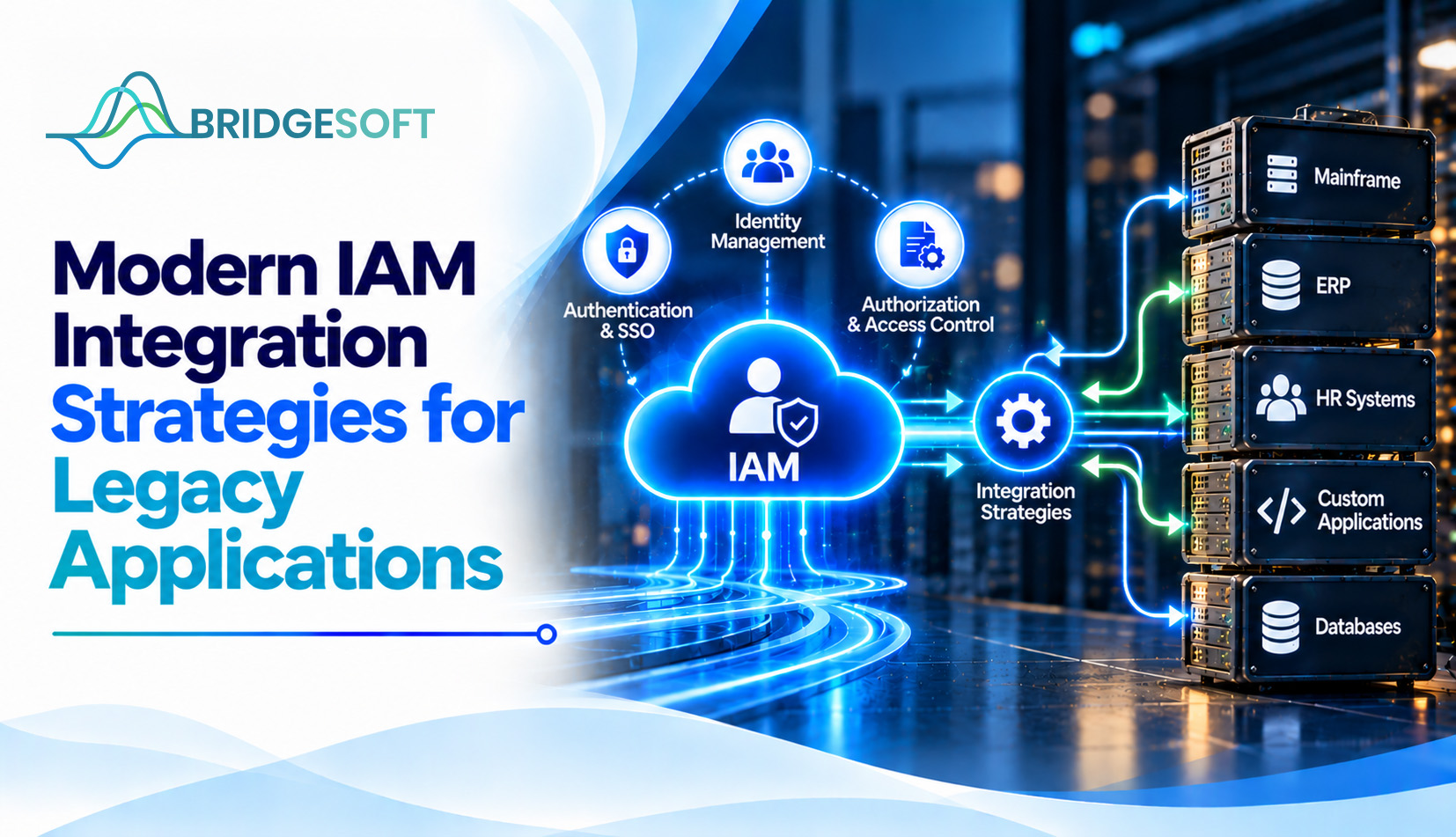
Legacy applications rarely sit neatly within a modern identity architecture. A finance platform may expose a database, but no API; a manufacturing system may use local accounts; and a business-critical web application may not support current federation standards. The challenge is not simply connecting each system. It is choosing an integration pattern that is secure, maintainable, proportionate to the application’s risk, and reusable across the wider portfolio.
A successful strategy starts by treating integration as an architectural decision rather than a series of isolated connector projects. The goal is to establish a reliable path for authentication, account lifecycle changes, and access oversight, without introducing more complexity than the application warrants.
Before selecting a technology, define the outcomes expected from each application. Some systems need centralized sign-in and stronger authentication. Others require automated account creation and removal, while higher-risk applications may also need reliable access data for reviews and audit evidence.
These outcomes are related but not interchangeable. Single sign-on (SSO) can simplify authentication, but it does not automatically remove a local account when an employee leaves. Provisioning can automate account changes, but it does not by itself establish whether a person should retain a particular entitlement. Define the required control outcomes first, then select the integration pattern that can deliver them.
No single method fits every legacy application. The best choice depends on the available interfaces, the required level of control, the application’s business importance, and the effort needed to maintain the connection.
| Integration pattern | Best fit | Decision points and trade-offs |
| Standards-based federation (SAML/OIDC) | Applications that support modern federation | Often the cleanest path for centralized authentication. Confirm which authorization and session controls remain inside the application. |
| Reverse proxy or access gateway | Web applications that cannot be modified to support federation | Can place centralized authentication in front of an application. Validate session handling, header trust, and how the application maps the authenticated identity. |
| API or connector-based provisioning (including SCIM where supported) | Applications with usable APIs or supported connectors | Can automate account creation, updates, and deactivation. Check API coverage, rate limits, error handling, and how failed changes are reconciled. |
| Database or directory integration | Systems with accessible identity stores but limited application interfaces | May enable account aggregation or selected lifecycle operations. Direct writes require careful testing, data-model knowledge, and vendor approval. |
| Middleware, file exchange, or governed ticket workflow | Mixed portfolios or systems with few usable interfaces | Can provide a controlled fallback. Define ownership, frequency, reconciliation, exception handling, and evidence that requested changes were completed. |
For portfolios containing many non-standard applications, a standardized integration layer can reduce the need to design each connection independently. Identity Gateway is described on Bridgesoft’s product page as supporting multiple integration methods, including REST APIs, SOAP/web services, JDBC-SQL, FTP, LDAP, messaging queues, and SCIM. Evaluate the documented interfaces and operational requirements of your own environment before choosing a gateway or other integration approach.
Use the following questions to compare options consistently across the application portfolio:
1. Which control outcome is missing?
Separate the need for centralized sign-in from the need for account lifecycle automation and access oversight. If the primary gap is authentication, federation or a gateway may be sufficient for the first stage. If stale accounts are the main concern, prioritize a reliable provisioning or deprovisioning path. If reviewers cannot determine who has access and why, include access-data aggregation and governance requirements in the design.
2. What interfaces can the application safely expose?
Confirm support for federation standards, APIs, SCIM, directory services, database access, file exchange, or a vendor-supported connector. Document limitations and test failure scenarios. Avoid assuming that a technically reachable database is automatically a safe or supported place to write identity changes.
3. What is the consequence of an integration failure?
Consider data sensitivity, privileged access, transaction criticality, user population, audit obligations, and downtime tolerance. A low-impact departmental tool may suit a controlled batch process. A system supporting financial operations or regulated information may need stronger validation, monitoring, and evidence of completed access changes.
4. How long will the application remain in service?
Compare the cost of building and maintaining the integration with the expected remaining life of the application. A short-lived, unsupported system may justify compensating controls and a documented retirement plan instead of a complex integration. For a long-term business platform, reusable and supportable connectivity is more likely to justify the investment.
5. Who owns the application and its access decisions?
Identify both a technical owner and a business owner. The technical owner validates interfaces and operational behavior; the business owner helps determine appropriate access and approves exceptions. Without clear ownership, even a functioning integration can leave questions about roles, approvals, and remediation unresolved.

Bridgesoft helps organizations improve identity visibility, strengthen Identity Governance, streamline Identity Access Management, and modernize identity processes across complex enterprise environments.
Book a Free DemoAn integration is not complete when the first account is created successfully. It must continue to behave predictably when a user changes roles, an employee leaves, an API becomes unavailable, or the application changes. Before production, define how the integration will handle retries, partial failures, duplicate records, attribute mapping, logging, reconciliation, and rollback.
Where a workflow can be configured and reused safely, it may reduce dependence on one-off scripts. However, low-code or middleware approaches don't eliminate the need for engineering review, testing, least-privilege service accounts, and change control. For a related discussion, read How Low-Code Automation Is Changing Enterprise IAM.