On February 12, 2024, attackers accessed a Change Healthcare remote-access portal with stolen credentials. The portal lacked multi-factor authentication (MFA), and ransomware was deployed nine days later, according to UnitedHealth Group CEO Andrew Witty’s congressional testimony. The incident illustrates how one missing identity control can create an entry point.
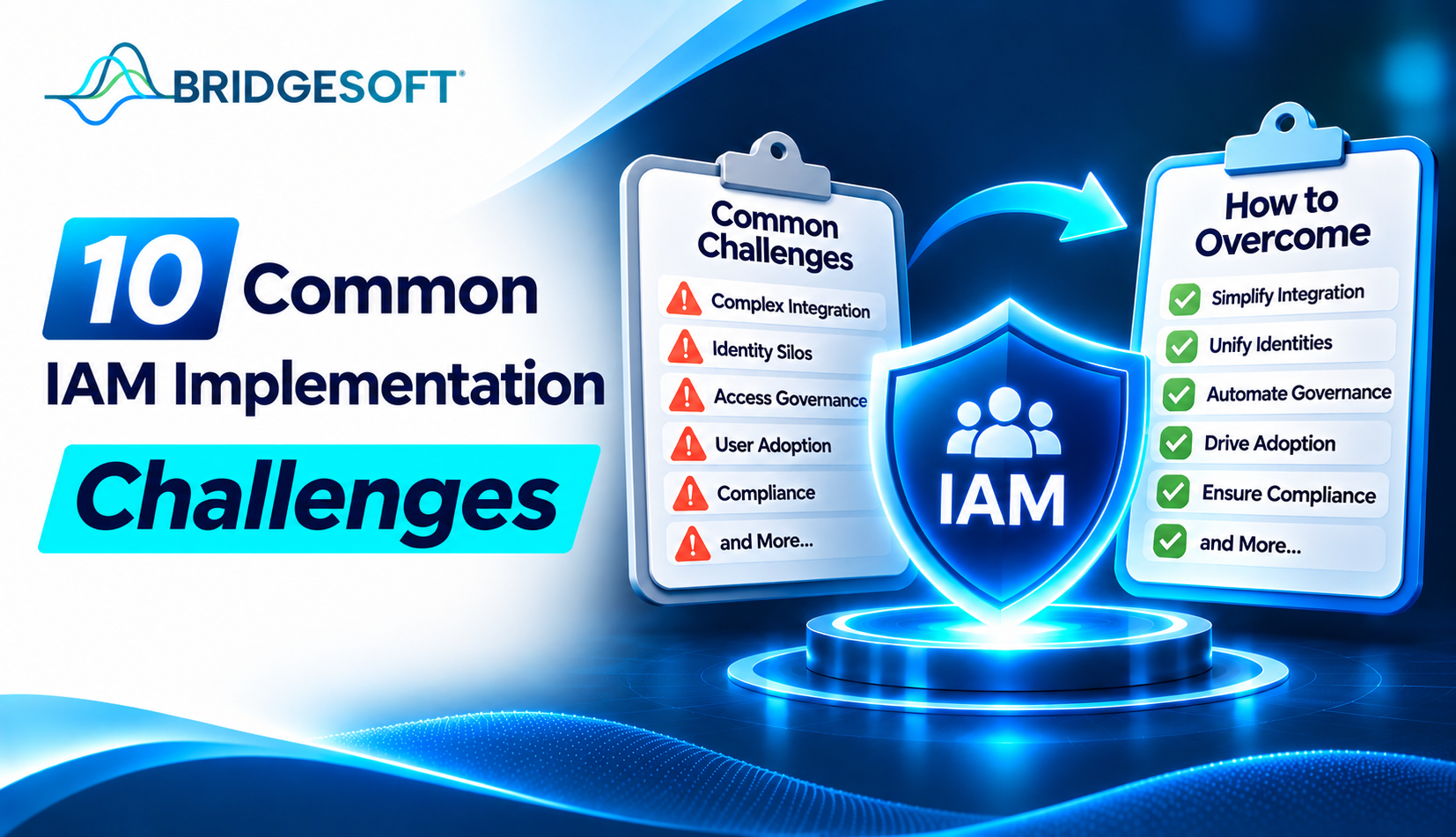
Identity and Access Management (IAM) determines who or what can access which systems and under what conditions. Implementation can fail when ownership, identity data, application integration, and operational processes are not addressed alongside the technology. Sophos’s 2026 survey of 5,000 organizations found that 71% had at least one identity-related breach in the previous 12 months. This blog outlines ten common challenges and practical ways to address them.
The central lesson: treat IAM as a business program, not simply a software installation. Clear accountability, reliable data, realistic integration plans, appropriate access policies, automation, and continuous review all matter.
1. Buying a tool before deciding who owns it
IAM involves HR, IT, security, finance, audit, application owners, and business leaders. Without a clear decision-maker, requirements remain unresolved, approvals stall, and scope changes late in the project.
How to overcome it: Appoint an executive sponsor and a cross-functional working group. Define who sets policy, approves access, operates the platform, and owns each application. Agree on initial use cases, scope, escalation paths, and baseline measures before selecting a tool. Track provisioning and revocation time, priority applications under governance, privileged-user MFA coverage, and overdue access reviews at every rollout stage.
Read more: Why Most IAM Projects Fail | Building an Enterprise IAM Roadmap
2. Not knowing what you have
Organizations cannot govern applications and identities they have not discovered. SaaS tools adopted by business teams, undocumented legacy systems, and local accounts are often missing from central inventories. The result is blind spots and unrealistic implementation estimates.
How to overcome it: Build an inventory using directory and SSO logs, HR records, network and application logs, procurement data, cloud inventories, and business-owner input. Record each application’s owners, data sensitivity, user groups, authentication method, account types, interfaces, and criticality. Include privileged, shared, contractor, service, and machine identities. Rank systems by risk and business impact, onboard the highest priorities first, and refresh the inventory regularly.
Read more: From Fragmented IAM to Unified Identity Control | Building an Enterprise IAM Roadmap
3. MFA gaps in forgotten corners
MFA coverage can appear complete at the application level while alternate login paths, test environments, vendor accounts, emergency accounts, or local users remain unprotected. Microsoft reported that Midnight Blizzard compromised a legacy test-tenant account without MFA before reaching senior leaders’ email.
How to overcome it: Audit MFA by account and authentication path, not just by application. Include administrators, remote access, VPNs, test environments, vendors, and emergency accounts. Use phishing-resistant methods such as FIDO2 keys or passkeys for high-risk users where supported. Disable legacy authentication where possible; document and time-limit exceptions. Secure help-desk recovery too. For machine identities, use managed credentials, short-lived tokens, scoped permissions, and secret rotation. MFA complements, but does not replace patching, least privilege, and monitoring.
Verizon’s 2026 report identifies vulnerability exploitation as a leading breach entry point, while credentials remain involved in many breaches. Identity controls should therefore complement vulnerability management and endpoint security.
Read more: Strengthening Identity Security: The Evolving Landscape of MFA in IAM Systems | Best Practices for Organizations to Implement IAM
4. Unreliable HR data
Automated access depends on accurate HR data. Duplicate employee records, missing managers, inconsistent job codes, and delayed termination updates can assign incorrect access or leave old access active. Data problems discovered late create rework and risk.
How to overcome it: Identify the authoritative source for worker ID, status, department, manager, job code, and start or end date. Assign an owner for data quality and validate required fields, duplicates, and invalid values. Route incomplete records to a controlled exception queue rather than granting default access. Reconcile HR, directory, and application records regularly. Test hire, transfer, leave, rehire, and contractor scenarios before automating production changes.
Read more: How to Accelerate IAM Deployment | IAM Implementation Timeline
5. Role models that collapse under their own weight
Too many narrowly defined roles create role sprawl, overlapping permissions, complex approvals, and difficult reviews. Roles that are too broad create the opposite problem: excessive access.
How to overcome it: Start with a small set of birthright permissions and role profiles for common, stable job functions. Validate proposed access with business owners instead of copying historical permissions. Give every role an owner, description, approval path, and review date. Use RBAC for repeatable job access and attribute- or policy-based rules when context matters. Add segregation-of-duties checks, time-limit exceptions, and retire unused or duplicate roles. Pilot before scaling.
Read more: Best Practices for Organizations to Implement IAM | The Role of Automation in Modern Identity Governance | Why Manual User Provisioning Creates Security and Operational Risks
6. Movers and leavers slip through
Employees who change roles can retain old permissions while receiving new ones. Disabling a primary directory account may also leave application accounts, privileged credentials, or tokens active.
How to overcome it: Connect joiner-mover-leaver workflows to authoritative HR events. For transfers, compare current access with the new role, remove permissions no longer required, then grant approved access. For departures, identify and revoke every linked account and credential. Where automation is unavailable, create tracked tasks with owners, deadlines, escalation, and completion evidence. Reconcile accounts regularly to find orphaned access.
Read more: Why Manual User Provisioning Creates Security and Operational Risks | Eliminating Orphan Accounts: A Critical Step Towards Stronger Identity Security
7. Contractors and third parties with no home
Contractors, vendors, and partners may sit outside the employee HR system, so their access is easily missed by standard lifecycle workflows. Accounts can remain active after an engagement ends if there is no sponsor or expiry date.
How to overcome it: Treat every external user as a managed identity. Record an internal sponsor, business purpose, required applications, approval, and mandatory end date. Use named accounts, MFA, and least privilege. Automate expiry where possible and require approval for extensions. Include third parties in access reviews and offboarding checks; investigate accounts with no active sponsor or contract.
Read more: Your IAM Passed the Audit. But Is Your Identity Security Actually Working?
8. The help desk as a back door
A caller may persuade a service-desk agent to reset a password, enroll a new MFA factor, or recover a privileged account. Weak verification can bypass otherwise strong authentication controls.
How to overcome it: Establish a documented identity-verification process for resets, MFA re-enrollment, and account recovery. Use trusted, pre-enrolled factors or approved identity proofing; caller ID and personal details are not sufficient. Require additional approval for privileged and sensitive accounts. Notify users through a separate registered channel when recovery details change. Keep auditable tickets, train agents on social engineering, and monitor unusual reset activity.
9. Legacy applications that can’t connect
Older applications may lack APIs, modern federation, or reliable documentation and may keep separate user lists. Assuming every system supports a standard connector can lead to custom work, delays, or risky exclusions.
How to overcome it: Assess each application and select an integration pattern that fits its capabilities. Use SAML or OpenID Connect where supported; gateways or proxies for applications that cannot be modified; APIs, SCIM, or connectors for provisioning; and controlled file or script exchanges when necessary. For API-less apps, assess RPA if actions can be performed and verified reliably. Pilot first, then define error handling, reconciliation, alerts, rollback, and ownership. If full automation is not feasible, document compensating controls and evidence for manual changes. Prioritize critical systems and consider retiring systems that cannot be secured economically.
Read more: How to Integrate IAM With Legacy Applications | Legacy IAM Integration Challenges and Modernization Strategies (LinkedIn)
10. Non-human and AI identities
Service accounts, API keys, bots, workloads, RPA, and AI agents often fall outside employee onboarding and offboarding. They may have broad permissions, static credentials, no clear owner, or access that remains after a project ends.
How to overcome it: Discover non-human identities across cloud platforms, directories, application registrations, secrets stores, CI/CD pipelines, and automation tools. Record an accountable owner, purpose, permissions, credential type, and expected lifetime. Apply least privilege; prefer managed identities and short-lived credentials; store secrets in approved vaults and rotate them. Monitor activity and include these identities in access reviews. Revoke access when a service or project ends. Give each AI agent a distinct identity, task-scoped permissions, and a human owner; do not let it inherit broad human credentials.
Read more: Non-Human Identities: Risks Every Enterprise Must Address | AI Agents Need Identities Too: Governing Non-Human Access in 2026 | AI Agent Identity Governance: Managing Non-Human Access (Medium)
Where to start
If resources are limited, begin with actions that reduce exposure and create a reliable foundation:

Ready to Strengthen Your Identity Security?
Bridgesoft helps organizations improve identity visibility, strengthen Identity Governance, streamline Identity Access Management, and modernize identity processes across complex enterprise environments.
Book a Free Demo• Assign an executive sponsor and name application and data owners.
• Inventory applications and human and non-human identities; prioritize critical systems.
• Audit MFA and strengthen account-recovery procedures.
• Clean up authoritative identity data before automating provisioning.
• Put legacy applications and third parties into a phased governance plan, with documented interim controls.
Measure outcomes, not just integrations completed. Track provisioning and revocation time, governed application coverage, privileged MFA coverage, orphaned accounts, non-human identities with owners, overdue reviews, and failed workflows. Compare results with a baseline to confirm that risk and operational effort are falling.
Read more: How to Accelerate IAM Deployment | IAM Implementation Timeline
Conclusion
IAM implementation challenges are addressed through clear ownership, reliable identity data, realistic integration choices, appropriate access policies, and verification that lifecycle changes reach every system. Automation makes controls more consistent, but it cannot replace business decisions or accountability. A phased roadmap helps organizations make progress without trying to solve every identity problem at once. To assess your environment or plan the next phase, talk to Bridgesoft about your implementation goals and constraints.
There is no single ranking for every organization. Common causes include unclear ownership, incomplete application discovery, poor identity data, and difficult legacy integrations.
No. MFA reduces password-based compromise but does not prevent social engineering, vulnerability exploitation, excessive permissions, or service-account misuse. Combine it with least privilege, secure recovery, monitoring, and lifecycle controls.
IT or security may operate the platform, but one executive should be accountable. HR, application owners, and business managers must own identity data and access decisions.
Measure provisioning and deprovisioning time, MFA coverage, governed application coverage, overdue reviews, orphaned accounts, non-human identities with owners, failed workflows, and audit findings. Compare results against a baseline.
Name an executive sponsor, confirm trusted identity sources, inventory applications and identity types, prioritize high-risk use cases, and set measurable outcomes. Then implement integrations and automation in phases.
Leave a Reply