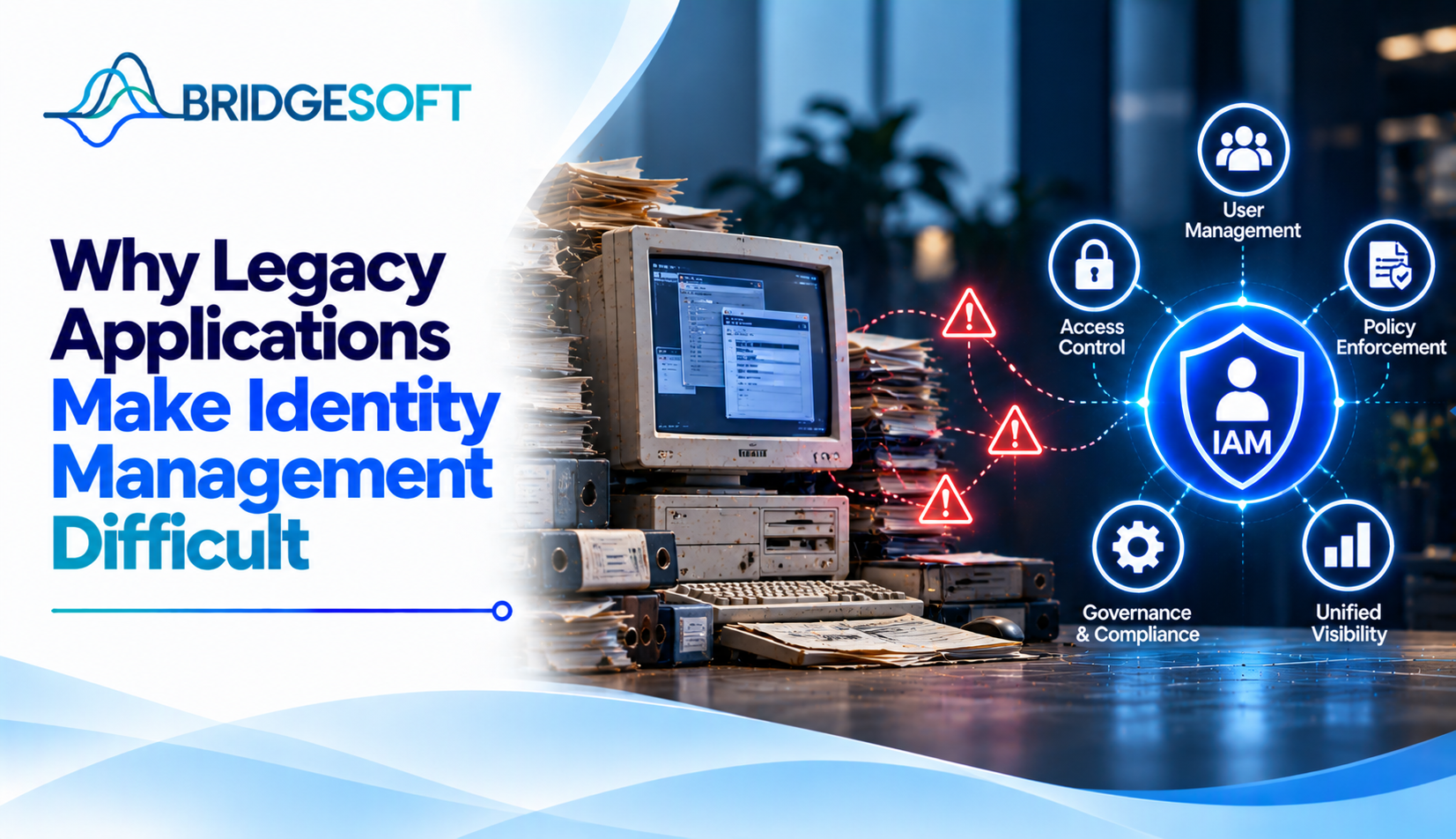
Ask who still has access to your 15-year-old payroll or claims system, and the honest answer is often, “We’d have to check it by hand.” Nobody is being careless. The application was built before centralized identity management existed, and nobody wants to be the one to break it.
This article explains why legacy applications resist identity controls, what that costs the business, and how to reduce the risk without a rip-and-replace project.
Why do legacy applications make identity management difficult?
Legacy applications make identity management difficult because they manage users independently, using methods that predate modern identity standards. A central identity and access management (IAM) platform expects to authenticate users, assign permissions, and remove accounts when people leave. Many older applications can’t participate in that process, so teams manage access separately, manually, or not at all.
“Legacy” here means any business application that is hard to change and does not fit your identity architecture. It is not necessarily old in years. A ten-year-old system with no vendor support can qualify, and a well-maintained older one may not.
The specific obstacles
| Obstacle | What it looks like | Why it matters |
| No modern authentication support | The app can’t use SAML or OpenID Connect (OIDC), the standard protocols behind single sign-on (SSO) | Users keep separate passwords, and multi-factor authentication (MFA) is hard to add |
| Local user databases | Accounts and passwords live inside the application | Central tools can’t see who has access |
| Hard-coded roles | Permissions are built into the code | Access can’t be adjusted without development work |
| Shared and service accounts | Generic logins like “admin” or “batch01” | Activity can’t be tied to a person |
| Thin documentation | The original developers have left | Integration becomes guesswork and timelines stretch |
Any one of these is manageable. Most legacy systems have several at once, which is why these projects take longer than first estimates suggest.
What this costs the business
For executives, the problem is rarely the technology itself. It shows up as business friction:
- Slow onboarding. A new hire waits days for access because someone must manually create accounts in each legacy system.
- Lingering access. When employees leave, people often miss accounts in older applications. These orphaned accounts are a common audit finding and a real security exposure.
- Expensive audits. If the application can’t produce an access report, teams usually assemble evidence manually in spreadsheets.
- Hidden risk. Systems that handle financial, patient, or customer data often have the weakest access controls in the company.
These are operational costs as well as security ones, which is why the topic belongs on CFO and COO agendas, not just the CISO’s. Teams that want to understand the scope of exposure can start with a broader risk management review and rank applications by sensitivity and criticality.
A common misconception: “We have to replace it”
Replacement is sometimes right, but it is rarely the only option. Many legacy applications can be brought under central control without touching their code. A gateway placed in front of the application can add SSO and MFA. Connectors, scripts, or scheduled files can automatically create and remove accounts. Privileged credentials can be vaulted and rotated.
Each method has limits. Gateways tend to give coarse authorization, and direct database connections need careful testing and vendor sign-off. Bridgesoft’s guide on integrating IAM with legacy applications compares these patterns in detail.
A practical order of attack
- Inventory first. List each legacy application, its owner, the data it holds, and how users log in today; rank by risk, not by ease.
- Clean the identity data. Fix directories and define roles before connecting anything. Otherwise, you automate the mess.
- Start with authentication. SSO and MFA reduce risk quickly and rarely require changes to application logic.
- Automate joiners, movers, and leavers. This closes the stale-account gap.
- Add governance. Once identities flow in, identity governance supports access reviews, segregation-of-duties checks, and audit evidence for systems that never had any.
Consider a hypothetical manufacturer whose plant-scheduling system uses shared supervisor logins. Putting it behind a gateway adds MFA and individual accountability within weeks, even though role-level controls may take much longer.

Ready to Strengthen Your Identity Security?
Bridgesoft helps organizations improve identity visibility, strengthen Identity Governance, streamline Identity Access Management, and modernize identity processes across complex enterprise environments.
Book a Free DemoWhen to integrate and when to retire
Integrate when the application is business-critical, has years of useful life left, and offers some integration path. Think harder about retirement when the vendor no longer supports it, integration would cost more than migration, or the system is already scheduled for decommissioning. In those cases, network isolation plus privileged access vaulting can serve as a stopgap. For a broader view of why this keeps happening, see why legacy systems continue to slow down IAM modernization.
Conclusion
Legacy applications are hard to manage because they keep their own identity rules, and those rules don’t connect to the rest of your environment. The fix is usually staged: know what you have, clean your identity data, add authentication controls, automate account changes, then layer in governance. If you’d like help prioritizing your application portfolio, Bridgesoft’s team can walk through it with you.
Many predate SAML and OIDC and rely on their own login screens. A gateway or reverse proxy can often add SSO without changing the application.
Not automatically. The risk comes from weak access controls, such as shared accounts, missed deprovisioning, and no MFA, not from age alone.
Often not. Gateway, connector, and file-based methods usually work without code changes, though some need configuration changes or vendor approval.
Start with the applications holding the most sensitive data. Add authentication controls first, then automated provisioning and deprovisioning.
It depends on the number of applications and how well they’re documented. Pilot with one application, then expand in waves rather than setting a single deadline.
When the vendor has ended support, the remaining lifespan is short or moving off it costs more than connecting the system.
Leave a Reply