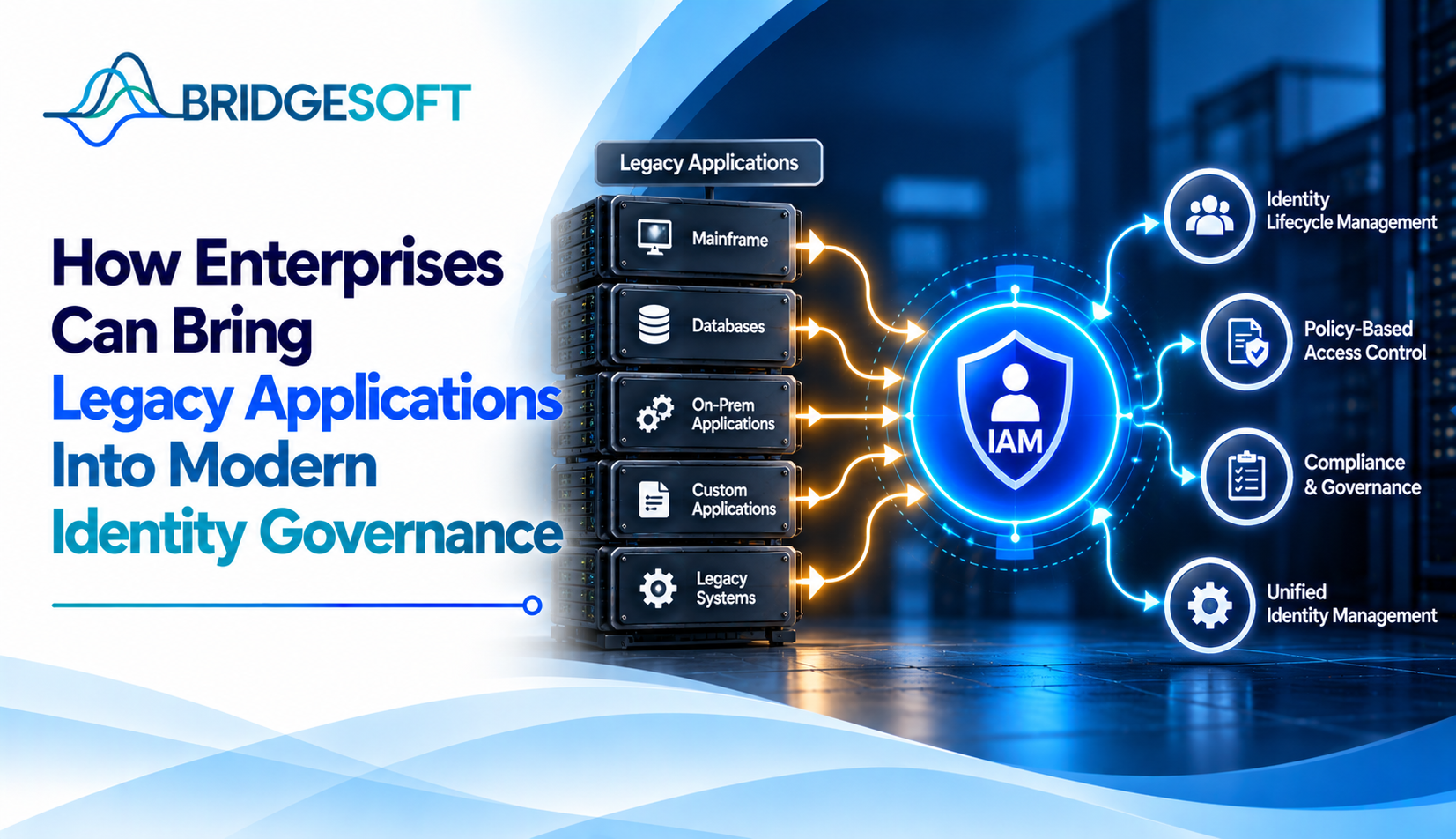
An access review can appear complete while leaving a critical question unanswered: does the reviewer understand what the application’s permissions actually allow? A list of users and codes like “CLM_SUPER2” isn’t enough. Without business context, accountable owners, and proof that changes were completed, certification can become a checkbox exercise.
Bringing a legacy application into identity governance is more than a connector project. It means knowing who has access, understanding what that access permits, making informed decisions, and verifying that approved changes reach the application.
What does governance-ready mean?
A legacy application is governable when the organization can reliably answer three questions: who has access, what they can do, and who has confirmed that access is appropriate. Each decision needs an owner, exceptions must be documented, and remediation must be tracked to completion.
IAM typically manages authentication and technical access controls. Identity governance and administration (IGA) determines whether access is appropriate, who reviews it, how policy conflicts are handled, and what evidence demonstrates follow-through. For broader context, see Bridgesoft’s Identity Governance services and the technical guide How to Integrate IAM With Legacy Applications. This article focuses on the governance controls around those connections.
Why legacy applications fall outside governance
Access information may be scattered across local tables, administrator reports, spreadsheets, and undocumented knowledge. Before launching reviews, confirm the data is complete and current, clarify what entitlements mean, and assign responsibility for decisions. At minimum, establish:
- A reliable inventory of accounts and their status
- Entitlements for each account, including roles, groups, and permissions
- A named application owner and appropriate business reviewers
- A documented way to implement and verify access changes, even if some steps are manual
A successful data extract is only the starting point. If a legacy system needs a connection layer to exchange identity data, Bridgesoft’s Identity Gateway may be relevant, depending on application compatibility and required controls.
Four governance models to consider
| Operating model | What to implement / watch for |
| Read-only visibility | Import accounts and entitlements to prepare reviews. Retain refresh timestamps, population reconciliation, coverage details, and documented exclusions. Visibility identifies issues but does not execute changes. |
| Business-readable reviews | Translate technical role codes into business capabilities and route decisions to accountable reviewers. Track reviewer identity, rationale, and unresolved role definitions. |
| Disconnected remediation | Record approve/revoke decisions and send actions to an authorized administrator or service desk. Track the action owner, due date, status, and confirmation of the resulting access state. |
| Policy and exception oversight | Review segregation-of-duties conflicts and privileged access. Record policy results, decision authority, exception expiry, compensating measures, and the next review date. |
Most enterprises combine these models. Choose based on data quality, the ability to enforce decisions, and the evidence required, not just the connector used. Manual handling may suit a small, controlled population, but becomes harder to govern as volume and review frequency increase.
A practical six-step approach
- Define the evidence set. Specify account inventory, entitlement data, account status, ownership, review history, and change-confirmation evidence, Mark missing fields instead of treating incomplete data as complete.
- Test population completeness. Reconcile extracted accounts against another reliable source where possible. Check refresh dates, duplicates, dormant accounts, departed users, and shared identities; document exclusions.
- Make permissions understandable. Map technical roles to the business actions and data they permit. Assign an owner to investigate uncertain roles before asking reviewers to certify access.
- Separate ownership from approval. Name the application owner, business decisionmakers, and exception approvers. Technical administrators can explain a role but should not automatically make every business access decision.
- Design reviews around decisions. Give reviewers enough context to approve, revoke, or request clarification. Capture the decision, reviewer, timestamp, required rationale, and exception. Never treat silence as approval.
- Verify remediation. Track each revocation or role change to completion, confirm the resulting account state, and retain evidence of failed or delayed actions and their resolution. See Bridgesoft’s Identity and Access Management services.
Example: segregation of duties in a finance system
Imagine a manufacturer whose accounts-payable application predates its IGA program. One analyst can create vendors and approve payments, creating a potential segregation-of-duties conflict. The governance team extracts assigned roles, confirms their meaning with the process owner, maps the conflicting capabilities to policy, and routes the issue to an accountable decisionmaker. It then records whether it removed access or approved an exception and verifies the resulting change. The value is traceable risk management, not simply connecting the application.

Ready to Strengthen Your Identity Security?
Bridgesoft helps organizations improve identity visibility, strengthen Identity Governance, streamline Identity Access Management, and modernize identity processes across complex enterprise environments.
Book a Free DemoCommon mistakes to avoid
- Treating a successful data feed as proof that every account and entitlement is included.
- Asking reviewers to certify unexplained role codes.
- Leaving service, shared, or other non-human accounts without an owner and review path.
- Treating review completion as remediation instead of tracking the resulting access state.
- Failing to document coverage limits, residual risk, review frequency, and an exit plan for manual controls.
Governance can mature in stages. An application may initially support visibility and certification while changes remain manual; document that limitation and define how manual actions will be verified. For more on connecting decisions to execution, read The Role of Automation in Modern Identity Governance.
Conclusion
Modern identity governance for legacy applications depends on trustworthy access data, understandable entitlements, accountable decisions, and verified remediation. Define the evidence standard, document exceptions, and confirm that approved changes reached the application. A connector alone cannot provide these controls. Bridgesoft can help organizations assess legacy-application governance gaps and plan a rollout aligned with their data, review responsibilities, and evidence requirements.
Reconcile it against a trusted source, check refresh timestamps, identify excluded account types, and document gaps such as service accounts or accounts that cannot be mapped to a person.
The entitlement’s business meaning, the access it grants, relevant policy conflicts, and enough context to judge whether it is still required; route unknown roles for clarification.
Use a documented process with an authorized action owner, due date, completion status, and confirmation of the resulting access state. Escalate overdue or failed changes and record residual risk.
Leave a Reply