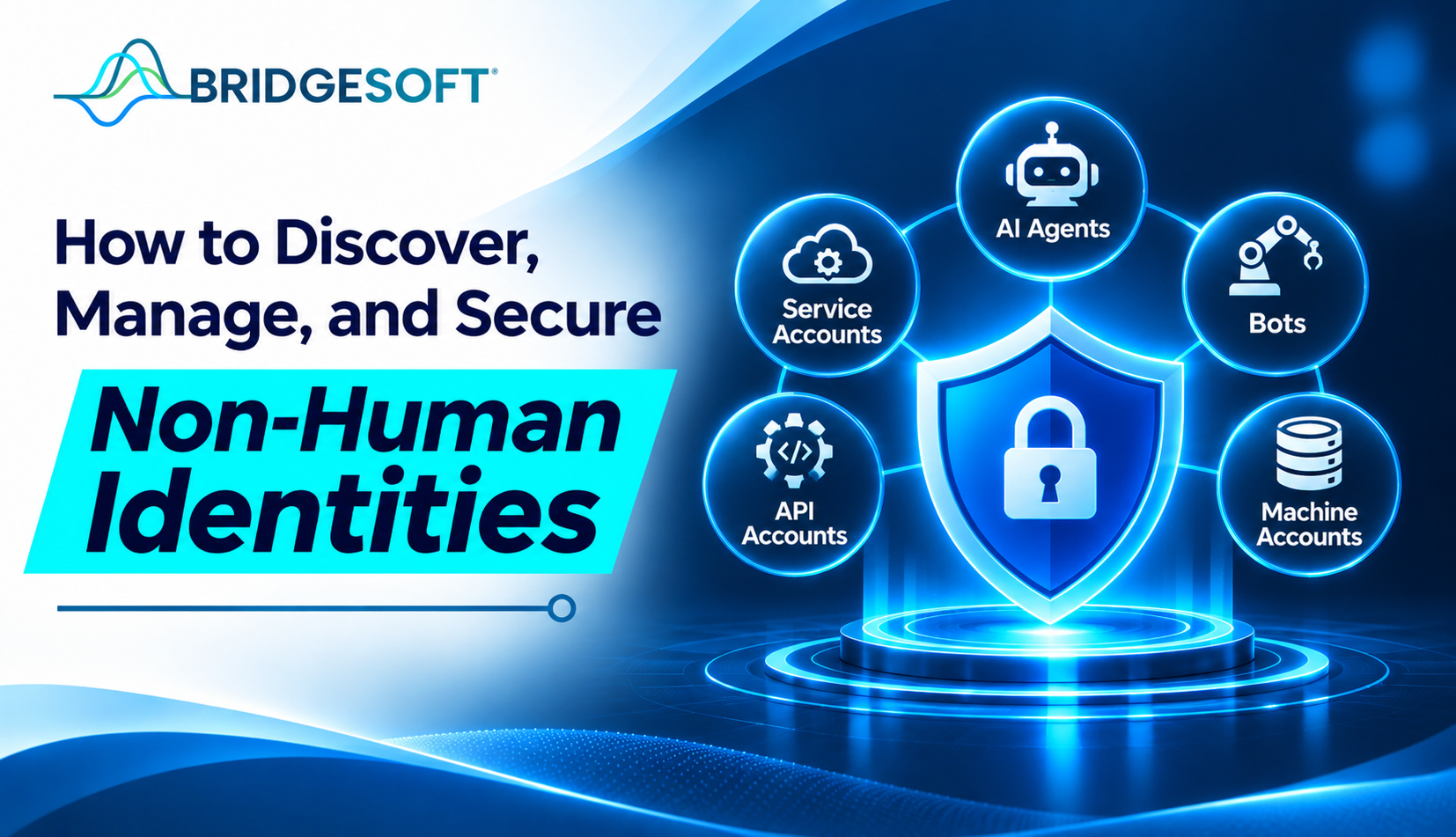
Ask your IT team how many employees can reach your ERP, and you’ll get an answer in minutes. Ask how many service accounts, API keys, bots, and AI agents can reach it, and the honest reply is often, “We’d have to check.”
That gap is the problem. Machine-driven access now outnumbers human access in many enterprises’ non-human-to-human identity ratio statistic, yet most identity programs were built around people. This guide explains what non-human identities are, how to find them, and how to bring them under the same discipline you apply to employees.
What Are Non-Human Identities?
A non-human identity (NHI) is any credential or account that lets software, rather than a person, authenticate to a system. Common examples include service accounts, API keys and tokens, RPA bots, certificates, workloads and containers, and AI agents.
The difference from human identities is behavior. Employees join, change roles, and leave through HR-driven events. Developers, vendors, and automation create non-human identities, often with no owner on record, and they run around the clock with static credentials that rarely rotate. Non-human identity governance closes that gap.
Step 1: Discover What You Actually Have
You can’t govern what you can’t see, so start with an inventory. Pull from several sources, because no single system holds the full picture:
- Cloud IAM consoles and directories for roles and service accounts
- Secrets vaults and code repositories for embedded keys and tokens
- API gateways and automation platforms for integrations and bots
- Procurement and vendor records for third-party connections
Expect the first pass to be messy. You’ll find accounts nobody recognizes, credentials from retired projects, and AI tools teams connected without a security review. Treat that mess as the baseline, not a failure. Systems that standard connectors can’t reach are often where the blind spots sit, so bring them into the inventory too (see Bridgesoft Identity Gateway).
Step 2: Manage Them Through a Lifecycle
Discovery is a snapshot. Management keeps the inventory true. Apply the same lifecycle logic you use for people:
- Assign an owner. Every identity needs a named business owner and a technical custodian. Unowned accounts are the ones that linger for years.
- Record the purpose. If nobody can say what an identity is for, nobody can judge whether its access is appropriate.
- Require approval at creation. Route new machine identities through a request workflow instead of letting them appear ad hoc.
- Review on a schedule. Include non-human identities in access certification, not just employee entitlements.
- Decommission deliberately. When a project ends, the identity and its credentials should end with it.
Mature identity governance and administration programs already do this for people. The practical move is to extend those workflows to machines rather than build a parallel process. Automation matters here, since manual review doesn’t scale to this volume. Bridgesoft’s article on the role of automation in modern identity governance covers where automation helps and where people should stay accountable.
Lifecycle discipline also helps at audit time. Named owners, recorded purposes, review records, and activity logs give you evidence that machine access is governed, not just assumed. For more on access reviews, see Bridgesoft access certification for anomaly detection and remediation, see Risk & Compliance.
Step 3: Secure Them with Least Privilege
Once you know what exists and who owns it, tighten the controls:
- Reduce permissions to what the task needs. Service accounts are frequently over-provisioned because it’s easier than troubleshooting access errors.
- Prefer short-lived credentials over static secrets where your platforms support it and rotate the secrets you can’t replace.
- Monitor behavior. A service account that suddenly authenticates from a new location or touches new systems deserves a closer look.
- Detect dormant identities and disable them before someone else finds them.
AI agents need extra care. They act with some autonomy, chain actions across systems, and can accumulate access faster than a conventional bot. Register, approve, scope, and monitor each one. Bridgesoft’s post on preparing enterprise IAM for AI agents and autonomous identities walks through this in more detail.
Where the Risk Concentrates
| Identity type | Typical risk | First control to apply |
| Service accounts | Excess privilege, no owner | Ownership and access certification |
| API keys and tokens | Hard-coded, never rotated | Vaulting and rotation |
| RPA bots | Privilege creep over time | Role-based access and periodic review |
| Certificates | Expiry outages, weak oversight | Lifecycle tracking and renewal alerts |
| AI agents | Access beyond approved scope | Registration, approval, activity monitoring |
Common Mistakes
Treating it as a one-time cleanup. New identities appear daily, so a single audit decays quickly. Continuous discovery matters more than a big initial sweep.

Ready to Strengthen Your Identity Security?
Bridgesoft helps organizations improve identity visibility, strengthen Identity Governance, streamline Identity Access Management, and modernize identity processes across complex enterprise environments.
Book a Free DemoRelying on secrets vault alone. A vault protects credentials, but it doesn’t tell you who owns an identity, whether it’s still needed, or whether its access is appropriate.
Splitting ownership between teams. When security, infrastructure, and application teams each handle a slice, gaps form. Pick a clear accountable function.
Deleting too fast. Deactivating an unknown service account can break a production process. Disable first, observe, then remove.
How Bridgesoft helps: Bridgesoft’s non-human identity governance brings discovery, ownership assignment, lifecycle management, access certification, and dormant-account detection into one platform, covering service accounts, RPA bots, APIs, machine identities, and AI agents across hybrid and multi-cloud environments.
Where to Start
Start small: inventory one high-risk environment, assign an owner to every identity you find, and bring those identities into your existing review cycle. Each step makes the next easier. If you want to see how this works across hybrid and multi-cloud systems, book a free demo.
It is a digital identity used by software instead of a person, such as a service account, API key, bot, certificate, or AI agent, to authenticate and access systems.
They often hold elevated privileges, use long-lived credentials, and lack a clear owner. Because traditional IAM focuses on employees, these identities often escape review.
Combine data from directories, cloud IAM, secrets vaults, code repositories, API gateways, and automation platforms into one inventory, then assign owners to each entry.
A service account is one type of machine identity, typically used by an application to access resources. “Machine identity” is the broader term and covers certificates, workloads, and devices.
Yes. They authenticate to systems and act on data, so they need ownership, scoped access, and monitoring like any other non-human identity.
Typically, the CISO’s organization sets policy and governance, while named business owners and technical custodians are accountable for individual identities.
Leave a Reply