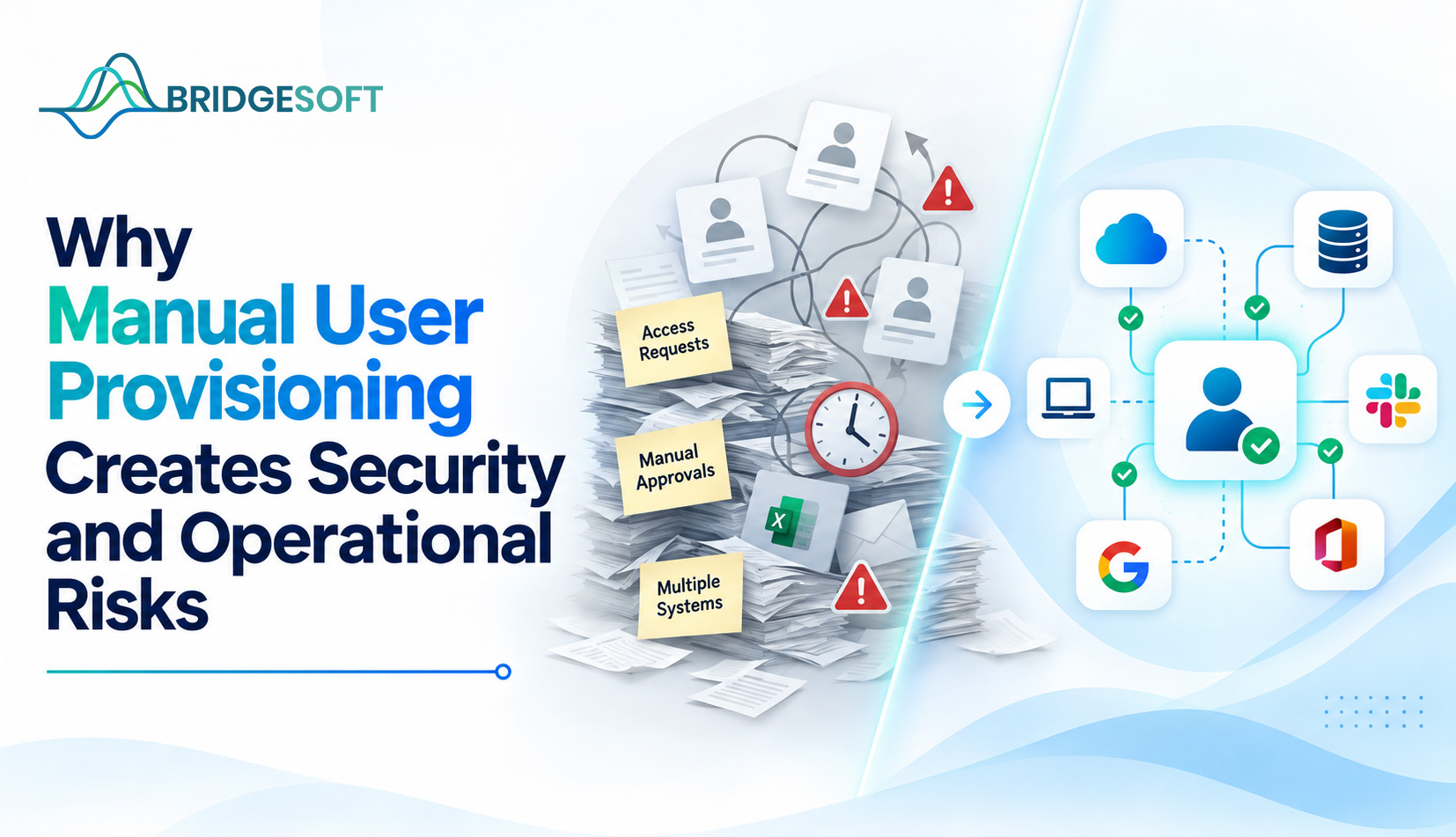
A new hire starts on Monday. By Wednesday, they still can’t access the CRM because their access request is sitting in someone’s inbox behind forty other tickets. Meanwhile, an employee who left the company three months ago still has an active VPN account nobody remembered to disable. Both problems trace back to the same root cause: provisioning and deprovisioning that depend on someone remembering to do something correctly, every time.
For CIOs, CISOs, and other executives accountable for both security posture and operational efficiency, manual user provisioning isn’t just an IT annoyance. It’s a recurring source of audit findings, breach exposure, and wasted labor hours that rarely gets budgeted attention until something goes wrong. This article explains why manual provisioning breaks down at scale, where the real risk lives, and what a more governed approach to identity looks like in practice.
What Manual User Provisioning Actually Involves
Manual provisioning is the process of granting, modifying, or revoking a user’s access to systems and applications through direct human action an IT admin creating an Active Directory account, a manager emailing a request to enable a SaaS license. This helpdesk ticket triggers someone to click through five different admin consoles.
No single automated workflow connects the moment someone joins, changes roles, or leaves the organization to the systems that enforce their access. Every step depends on a person noticing the change, interpreting the correct access level, and executing it correctly across every affected system.
This matters because the number of systems a typical mid-sized or enterprise organization runs has grown considerably. A single employee may need accounts in a dozen or more applications: email, CRM, ERP, file storage, VPN, industry-specific software, collaboration tools. Manual provisioning that might have worked reasonably well with five core systems starts breaking down once that number climbs into the double digits.
Where the Security Risk Actually Comes From
The core issue isn’t that manual processes are always executed badly. It’s that they’re inconsistent, and inconsistency at scale is where security incidents originate.
Orphaned accounts: When someone leaves a company, deprovisioning must happen across every system they accessed, not just the primary directory. If offboarding relies on a checklist someone works through manually, systems get missed. Former employees, contractors, and vendors with lingering credentials are a well-documented entry point for unauthorized access, because nobody is actively monitoring an account that IT forgot to close.
Access creep: Employees change roles far more often than most access reviews account for. Someone moves from finance to operations and keeps their old permissions because nobody revoked them, only added the new ones. Over a few years, without a structured review process, employees accumulate access rights that far exceed what their current role requires. This is sometimes called privilege creep, and it directly violates the principle of least privilege that most security frameworks and auditors expect organizations to follow.
Inconsistent enforcement of policy: If one admin provisions according to a documented standard and another admin provisions based on what “seems right,” the organization ends up with access rights that don’t map cleanly to job function. That inconsistency is exactly what auditors’ flag during SOC 2, HIPAA, or ISO 27001 reviews, because it signals the organization can’t demonstrate who has access to what, or why.
No reliable audit trail: Manual processes often live in email threads, spreadsheets, and ticket systems that weren’t designed to produce a clean, exportable record of every access grant and revocation. When an auditor or incident responder asks, “who approved this access and when,” the honest answer is frequently “we’d have to go dig through old tickets.”
The Operational Cost Nobody Line-Items
Security risk gets the headlines, but the operational drag of manual provisioning is just as real and easier for finance leaders to quantify.
IT and helpdesk teams spend a disproportionate share of their time on repetitive access requests work that doesn’t require judgment, just execution across multiple systems. That’s time not spent on higher-value security work, infrastructure projects, or proactive monitoring that reduces risk.
Slow provisioning also costs the business: new hires who can’t be productive in their first week, sales reps who miss deals because they can’t access the tools they need, and contractors whose engagements stall while access requests sit in a queue. None of this shows up as a security incident, but it’s a direct, recurring drag on productivity that compounds across every hire, role change, and offboarding event.
Identity Governance as the Structural Fix
Identity governance addresses this by replacing ad hoc, person-dependent provisioning with defined policies, roles, and automated workflows that determine access based on role, department, and business rules consistently, every time, with a record of what happened and why.
This typically includes:
- Role-based access control (RBAC), so access maps to job function rather than to individual requests
- Automated joiner-mover-leaver workflows, so access changes when HR data changes, without waiting on a manual ticket
- Periodic access certification, where managers or system owners review and confirm existing access on a set schedule
- Centralized audit logging, so every access decision is documented and reportable.
This is the space Bridgesoft works in, helping organizations move from manual, ticket-driven access management to governed identity programs that reduce both the security exposure of inconsistent provisioning and the operational overhead of running it by hand. The right approach depends on an organization’s existing systems, compliance obligations, and the maturity of its current identity processes, so this is typically a phased effort rather than a single tool swap.
Common Mistakes Organizations Make When Addressing This
Treating automation as a one-time project: Provisioning workflows need maintenance as the organization adds new systems and changes its org structure. A governance program that isn’t revisited becomes stale within a year or two.
Automating a broken process: If role definitions and access policies aren’t clearly defined first, automating a messy manual process makes the mess happen faster. Governance work deciding who should have access to what must come before or alongside the technical rollout.
Underestimating deprovisioning: Most organizations focus heavily on making onboarding smooth and give offboarding far less attention, even though offboarding gaps carry more direct security risk.
Skipping access reviews: Automated provisioning at hire doesn’t solve access creep on its own. Ongoing certification someone periodically confirming that existing access is still appropriate is what catches accumulated permissions that automation alone won’t remove.

Ready to Strengthen Your Identity Security?
Bridgesoft helps organizations improve identity visibility, strengthen Identity Governance, streamline Identity Access Management, and modernize identity processes across complex enterprise environments.
Book a Free DemoWhen Manual Provisioning Is Still Manageable
Not every organization needs a full identity governance platform on day one. A company with a handful of employees, two or three core systems, and low regulatory exposure can often manage provisioning manually without meaningful risk, if someone consistently owns the process. The calculus changes as headcount, system count, contractor use, and compliance obligations grow, at which point the coordination cost of manual processes starts to outweigh the cost of governance tooling.
Where to Go from Here
Manual provisioning isn’t a failure of any one person or team; it’s what happens when access management scales past what ad hoc processes can reliably handle. The fix isn’t necessarily a single new tool; it’s a governance structure that clearly defines access policy and enforces it consistently, with automation handling the repetitive work and a documented trail for everything that happens.
If your organization is fielding recurring access-related helpdesk tickets, struggling to answer “who has access to what” during an audit, or simply hasn’t reviewed its provisioning process in a few years, that’s usually a sign it’s time to take a closer look. Bridgesoft helps organizations build identity governance programs around their existing systems and compliance requirements. Reach out to talk through where your current process stands.
IAM covers the tools and processes used to authenticate users and manage access; think login systems, single sign-on, and account provisioning. Identity governance sits on top of IAM and focuses on the policy and oversight layer: defining who should have access to what, periodically certifying that access, and producing an auditable record of those decisions.
It’s difficult to attach a universal figure, since risk depends on an organization’s system count, industry, and existing controls. Security research consistently shows that orphaned accounts and excessive access often contribute to unauthorized access incidents, both of which stem directly from inconsistent manual processes.
Smaller organizations with few systems and low compliance exposure can often manage provisioning manually for a while. The risk profile changes as the business adds systems, contractors, and regulatory requirements, so it’s worth reassessing periodically rather than assuming manual processes will scale indefinitely.
Most organizations start with an access audit, documenting who currently has access to what across core systems and comparing it against what their role requires. That baseline makes it possible to define accurate roles and policies before automating anything.
No. Automation handles the initial grant and revocation of access based on defined rules, but roles and responsibilities change in ways that rules don’t always capture. Periodic access certification is still necessary to catch access that’s technically correct when granted but no longer appropriate.